April 3, 2017
Feature Walkthrough #1
A
Ashley
Share this article
Welcome to our first Uber Driver feature walkthrough! We will be providing GIFs and information to help you take full advantage of your time on the road with the Uber Driver app.
This week’s feature walkthrough includes:
- How to contact your rider
- How to cancel a trip
- How to pause new requests while on a trip
- Minneapolis road construction updates
Want to give us your feedback, submit a request, or stop receiving texts about feature walkthroughs? Fill out this quick survey.
- Need to contact your rider? Learn how you can text and call your rider. Remember, most riders prefer a text to a call.

2. Need to cancel your request? Make sure to correctly choose your reasoning so we can best support you.
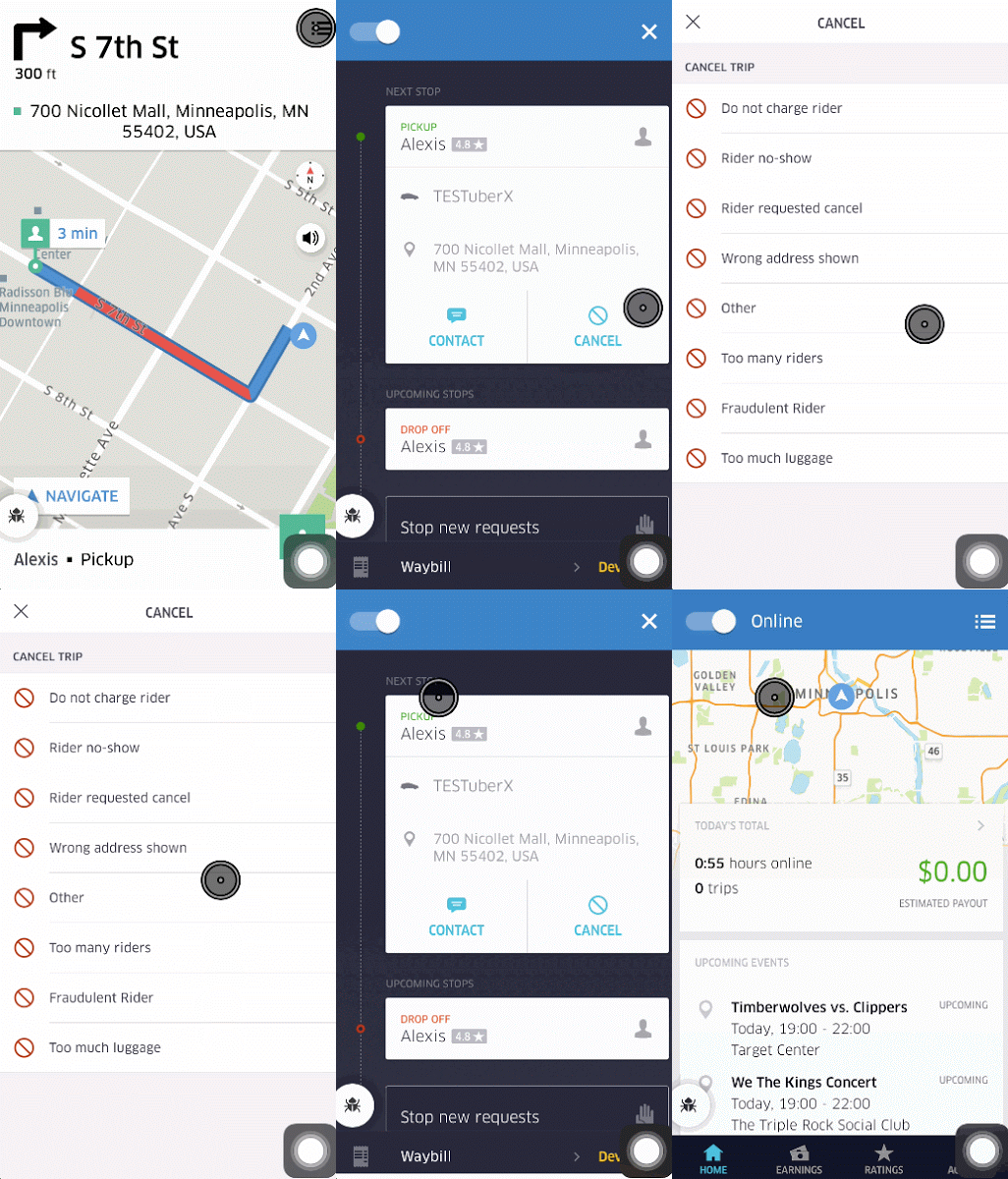
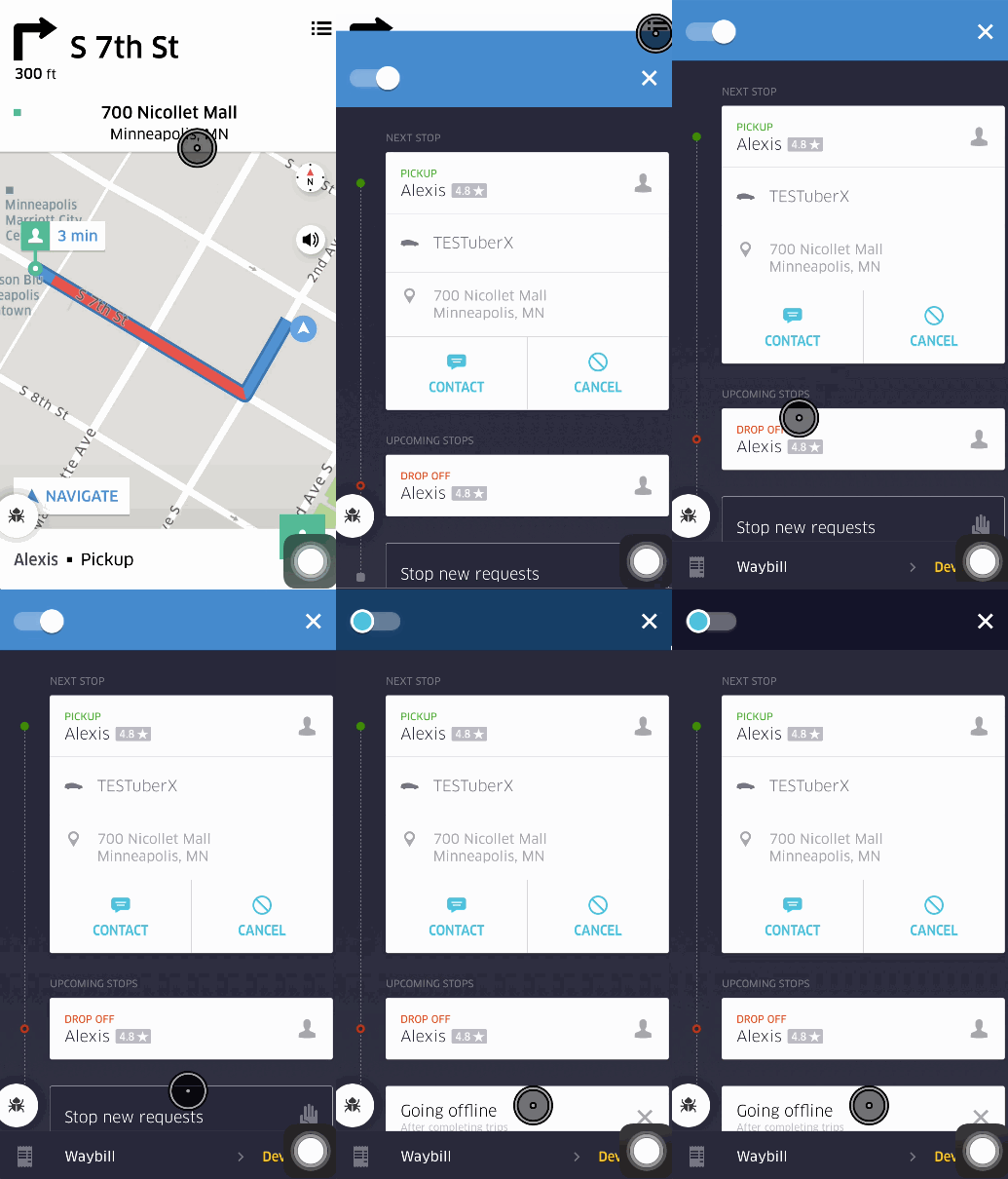
3. On a trip and want to make it your last? See below for how to stop new requests during a trip.
Need an update on Minneapolis traffic? See some local news articles below:
Category
Written by
A
Ashley
Related Articles
6 articles
Drive
Legal
Updates
June 4, 2026