October 6, 2014
Android Walk Through
UT
Uber Team
Share this article
Please note this only applies to Uber drivers in Queensland, Australia
Step 1: Downloading
Open your internet browser, enter the URL below and hit go. Or if you’re currently viewing this on your phone just click the link below!

The installation will start automatically. Select OK if prompted.

Step 2: Installing
To find your download open up your applications and select the Downloads folder.
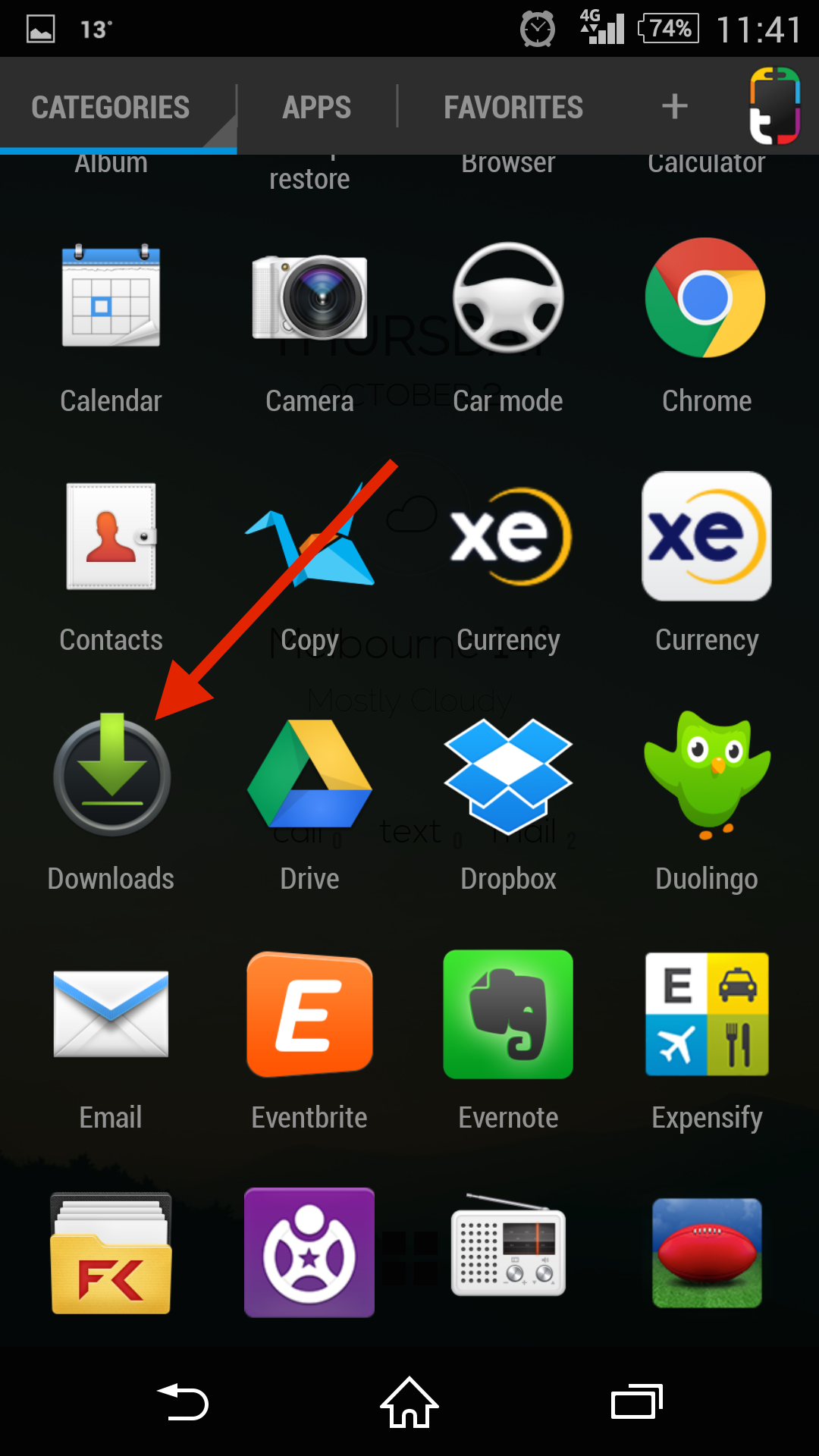
Click on the Uber download (it’ll look like the name in the picture below!).

Select Next and Install if asked.


Step 3: Opening the app
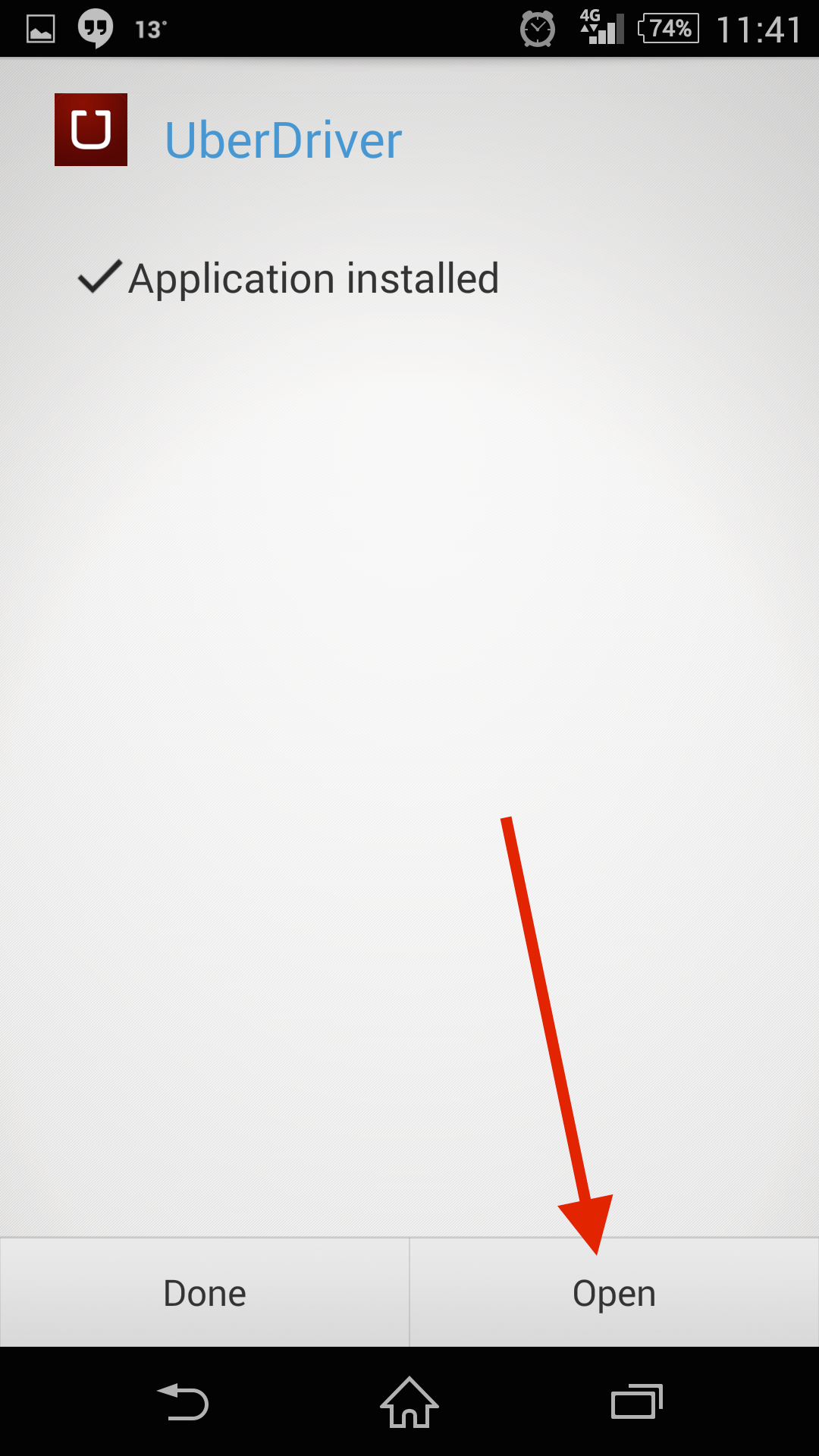
Once the installation is complete, click Open.
Log in using your Uber username and password!

Step 4: Getting online
Now click on the link below and follow the rest of the steps to get online!
If you have any issues shoot through an email to your city team.
partners.brisbane@uber.com
partners.gc@uber.com
Category
Related Articles
6 articles
Company News
Drivers and Couriers
Uber Eats
August 11, 2026
Company News
Drivers and Couriers
Rides
July 3, 2026
Company News
Drivers and Couriers
Rides
June 29, 2026
Drivers and Couriers
June 2, 2025