Compare car rentals near you
Compare car rentals near you
Best car rental deals
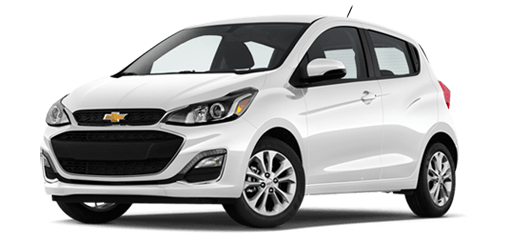

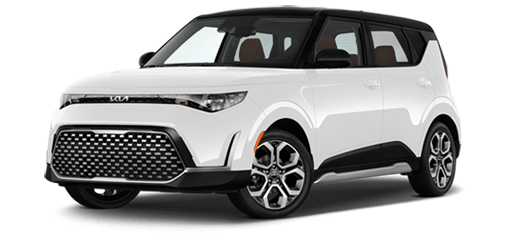
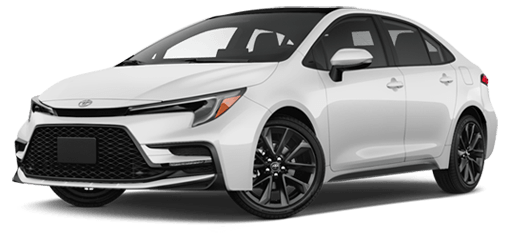
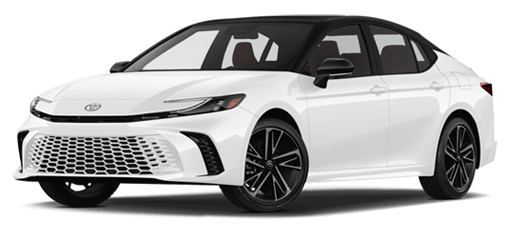
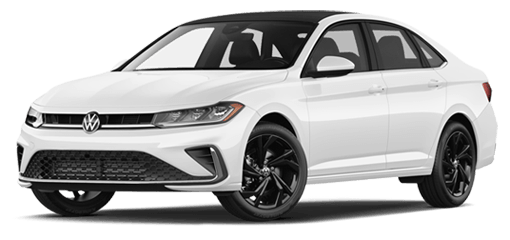
Economy and compact cars


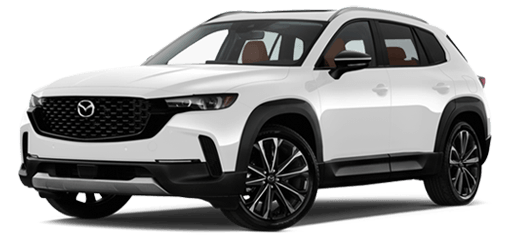
Midsize cars
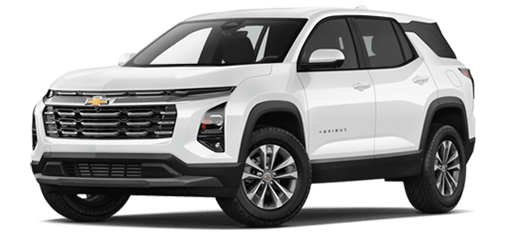
Large cars
Search, compare, and book car rentals online
Compare rental car options from popular companies like Avis, Budget, and Thrifty, and choose the right fit for your trip. Whether you need a car for airport travel, a road trip, a weekend getaway, or a family vacation, you can book for today or later in the Uber app or online from any device, with rentals available across Canada and in many international destinations.

Compare rental options
Browse cars and rates from popular rental companies in one place with upfront pricing and no surprises.

Book on your schedule
Reserve a car the same day or plan ahead for up to a month, with free cancellation on eligible bookings.
Earn Uber One credits
Members earn Uber One credits every time they rent with Uber.1

Customize your rental
Add available extras to your rental car like bike racks, car seats, ski racks, and more.
Hourly car rentals with Zipcar on Uber
Tired of waiting at the rental counter? Zipcar car rentals are now available on Uber. Find a car nearby, unlock it from your phone, and get going when you’re ready. Check the Uber app for availability in your city.
Rent by the hour or day
Need a car for errands, appointments, or a quick trip across the city? Book a Zipcar through Uber by the hour or by the day, depending on what your plans call for.
Book with no membership fee
Gas and insurance* are included when you book Zipcar with Uber, with no membership fee to book. When your trip is done, return the vehicle to its dedicated Zipcar parking spot.
Unlock from your phone
Skip the rental counter. Find a Zipcar near you, reserve it in the Uber app, and unlock it from your phone when it’s time to go.
Save with Uber One
If you’re an Uber One member, price match is guaranteed + get 10% back in Uber One credits (up to $250) on every booking. 1
How to book rental cars with Uber Rent
Reserve your rental car
Select the button below to access the Rent booking page online or in the Uber app. Enter your pickup and dropoff details to view vehicle options in Canada. From there, complete your reservation. You can pay in advance or, where available, at the counter at the time of pickup.
Pick up your rental car
Head to the location at the date and time listed on your reservation in the Uber app. Remember to take your driver’s licence and a physical credit card, and enjoy $10 off your Uber trip to the rental location.*
Drop off your rental car
Return the rental car at the dropoff location listed in your reservation. Your reservation can be found in the Uber app and is also sent to the email address associated with your Uber account.
Frequently Asked Questions
What is Uber Rent?
With Uber Rent, you can compare and book rental cars in the app or online across devices. We partner with well-known rental companies, so you get a wide selection of car types and prices.
How do I rent a car with Uber Rent in Canada?
To reserve your rental car with the Uber app, select the Rental Cars tile, followed by Find cars on the next screen, to begin your reservation. To reserve a rental car online, visit the Uber Rent booking page and follow the directions to complete your reservation.
What are the requirements to rent a car with Uber Rent in Canada?
You must be at least 21 years old to rent a car with Uber Rent in Canada. Please note that the exact minimum legal age may vary by city and/or province.
Drivers under age 25 might need to pay a Young Driver Fee in addition to the standard car rental rate and might be limited by the rental car supplier to certain sizes and types of vehicles and other restrictions. You can view these requirements in the terms and conditions linked in the “More information” section after you choose Manage reservation.
Can I cancel or change my reservation in Canada?
Yes, you can cancel your reservation for free and for any reason in Canada if you’ll be paying at the counter. You can cancel for free with in-app reservations if you cancel up to 48 hours before your pickup time. Fees and rules depend on the supplier.
To view the rental terms and conditions, select Manage reservation on the “Upcoming rental” screen in the Uber app, then Terms and Conditions on the “Your reservations” screen.
Currently, you can only change your reservation in-app, and changes can only be made before the reservation starts.
Do I need my own insurance to rent a car in Canada with Uber Rent?
No, you don’t need to already have your own personal car insurance to rent a car with Uber Rent. When you arrive at the rental location to pick up your vehicle, the rental company can offer several types of car rental insurance plans and protection products to help protect you in case of an accident.
Can I reserve a rental car the same day with Uber Rent in Canada?
Yes, you can reserve a rental car the same day with Uber Rent in Canada. Enter your pickup and dropoff details online or in the Uber app to view available car rentals near you.
What payment methods does Uber Rent accept in Canada?
Where the option to pay in-app is available, you can use any Uber payment method, including debit cards, to pay for your car rental in Canada, but you must bring a physical credit card to the rental location for pickup. The name on the credit card must match the name on the primary rental driver’s licence.
Do I need to refill the gas before returning a non-electric rental car booked with Uber Rent in Canada?
To view the rental terms and conditions, such as whether you need to refill the gas in your rental car, choose Manage reservation on the “Upcoming rental” screen in the Uber app, then Terms and Conditions on the “Your reservations” screen.
Who do I contact if the car I rented in Canada breaks down?
If the car you rented in Canada breaks down, you can contact the rental company responsible for providing your vehicle.
To view the rental customer support information, choose Manage reservation on the “Upcoming rental” screen in the Uber app, then Terms and Conditions on the “Your reservations” screen. Under “More information,” select Get Help to find the contact details.
Can I rent a car in Canada with a foreign driving licence?
You can rent a car in Canada as long as your home country’s driving licence is in English or French, is valid, is unexpired, and includes a photograph of you. You can also rent a vehicle if you have a valid International Driving Permit (IDP).
Requirements vary; check the “Terms and Conditions” section after you choose Manage reservation to see what’s needed for your specific rental.
Can I take a rental car on a toll road?
Your rental agency can explain any limitations with driving on toll roads, as well as any additional fees the agency will charge over the cost of the toll itself.
Are luxury rental cars available with Uber Rent in Canada?
To see if luxury rental cars are available with Uber Rent in Canada, use the Uber app or visit the Uber Rent page online. Choose the Rental Cars tile in the app and add your reservation details to view the available vehicles.
Can I rent a pickup truck with Uber Rent in Canada?
You can verify the availability of pickup trucks in Canada with the app or online. While signed in to your Uber account from a mobile device, open Rental Cars and enter your reservation details. Then use the filter icon to see if pickup trucks are available. From a desktop computer, visit the Uber Rent page online, then add your reservation details. Choose a size to filter your results, then verify the availability of pickup trucks in Canada.
Can I rent a van with Uber Rent in Canada?
You can verify if rental vans are available in Canada online or with the Uber app. While signed in to your Uber account from a mobile device, open the Rental Cars tile and enter your reservation details to see if vans are available. If you’re using a desktop computer, choose Rent, then enter your reservation details to verify if vans are available.
Can I rent moving trucks with Uber Rent in Canada?
No, you cannot rent moving trucks with Uber Rent in Canada. While signed in to your account, use the filter icon in the top right corner on a mobile device or choose Large from a desktop computer to find the largest available vehicle options near your pickup and dropoff locations.
Can I rent a car to drive and earn with Uber?
Yes, there are separate options for renting a car to drive and earn money with Uber in Canada. Learn more here about how to rent a car with Uber to earn as a driver and/or courier in Canada.
Where can I compare rental car options online?
Many websites and apps allow travelers to compare rental car options and availability. Uber Rent is a convenient option that enables users to compare vehicles from trusted rental partners and book either online or in the Uber app, with options that support advance booking as well as same-day and airport rentals.
Top cities in Canada to rent a car with Uber Rent
Manitoba
Nova Scotia
Saskatchewan
Search and book rental cars internationally
Uber is not responsible for the products and/or services offered by third parties or for the terms and conditions (including financial terms) under which those products and services are offered. Uber is not a car rental broker or insurer/insurance intermediary. Uber will also provide the third parties with the data to enable use of their products and services, and features that improve the user experience, including users’ country of residence, currency, and language, subject to Uber’s Privacy Notice.
Rental listings are powered by third parties and other rental partners. The products, services, and/or finance terms related to your rental are also offered by third parties, not Uber. Rentals are subject to Zipcar’s terms and conditions.
Uber is not responsible for the claims, products, and/or services offered by third parties or for the terms and conditions (including financial terms) under which those products and/or services are offered. Uber is not a car rental broker or insurer/insurance intermediary. Uber will also provide the third parties with the data to enable use of their products and services, and features that improve the user experience, including users’ country of residence, currency, and language, subject to Uber's Privacy Notice.
*Insurance includes physical damage coverage with a damage fee, secondary third-party liability coverage, and where required, PIP. Details here.
1Offer valid for Uber Rent bookings by Uber One members that are reserved before December 31, 2026 and vehicle pickup is completed before December 31, 2026, while supplies last. Offer redeemable only by Uber One members who receive this offer directly from Uber. Uber Rent Terms and Conditions apply. For qualifying transactions, 10% of the value of your Uber Rent reservation, up to CA$250, not including applicable taxes, will be applied to your account in Uber One credits upon completion, which may take up to 90 days after the rental pickup date. Uber One credits are earned after completion of eligible rentals and cannot be used in countries outside of the country where the vehicle was booked from. Uber One credits expire after 60 days from the day the Uber One credits are provided and cannot be sold, transferred, exchanged or converted to cash. View Uber One credits in the wallet section of your App. Offer is valid while supplies last and is subject to change without notice. Uber One Membership terms also apply.
About
Explore
Airports
Car rentals
Car service cities
Courier services
Popular routes
Taxis