Pro Tips for Uber Trips
Your questions answered, at the tap of a button.
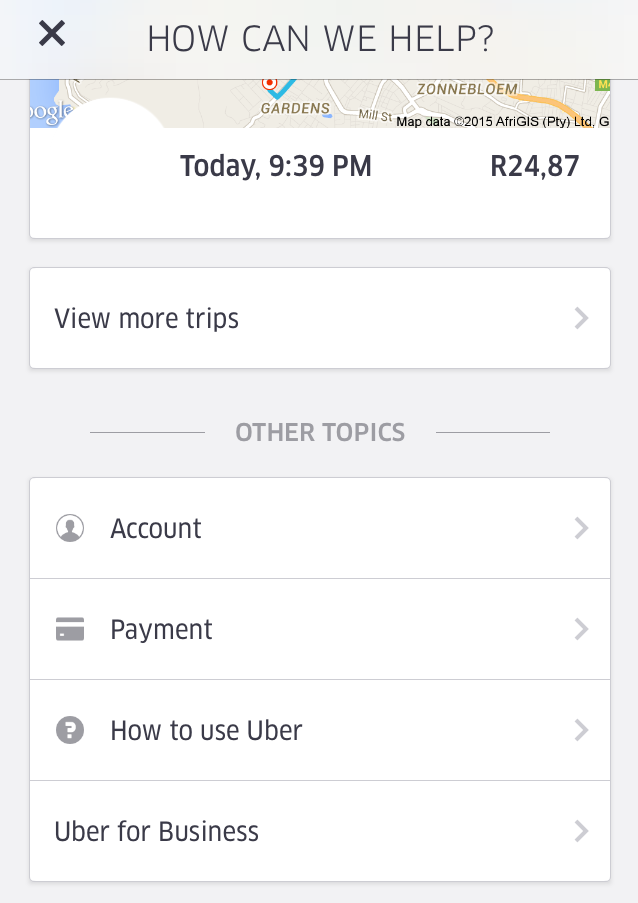
USING THE IN-APP HELP FEATURE
1. Within the app, tap the drop-down Profile menu
2. Navigate to the Help icon
3. From there you can access a wide range of awesome features, including Account information, Payment Methods or FAQ’s
New to Uber? Sign up here and enter the promo code PROTIPS for a free first ride up to R150!
PRO TIP: You can even select specific trips that you’ve previously taken, allowing you to flag a lost item, re-send a copy of your receipt and report an issue.
| SHARE | ||
 |  |
| SHARE | TWEET |