New to Uber? Let’s show you around
Your Uber app is super easy to use. In just a few taps, and you’re ready to get in and get around. Here’s how your Uber app works.
Request a ride
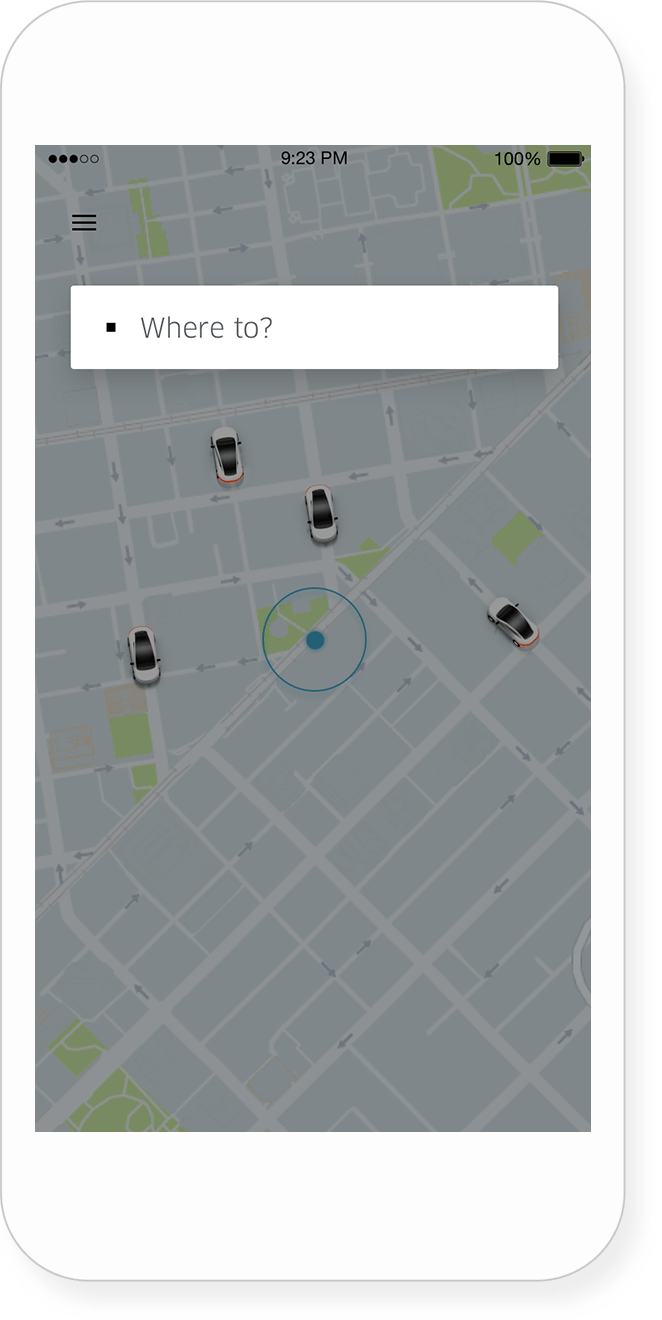
Let us know where you’re headed, and we’ll get you there.
1. Choose ‘where to’
Type an address in the search bar or move the pin on the map to where you want to go. You can tap on + sign to add extra stops. Please keep your stops to 3 minutes of less. Otherwise your fare may change.
2. Take your pick
Choose from our premium and economy options, depending on what ride suits you best.
3. See what your ride will cost
Swipe left or right to see what different rides will cost. Tapping on a ride will reveal more details on seats and arrival time.
4. Confirm your route
If you’d like to change your pickup or drop-off point, tap on the respective pin on the map and drag it to a new location.
5. Request a ride
Once you hit ‘Confirm’, you’ll be able to see where your driver is at every turn.
Say hello to your driver
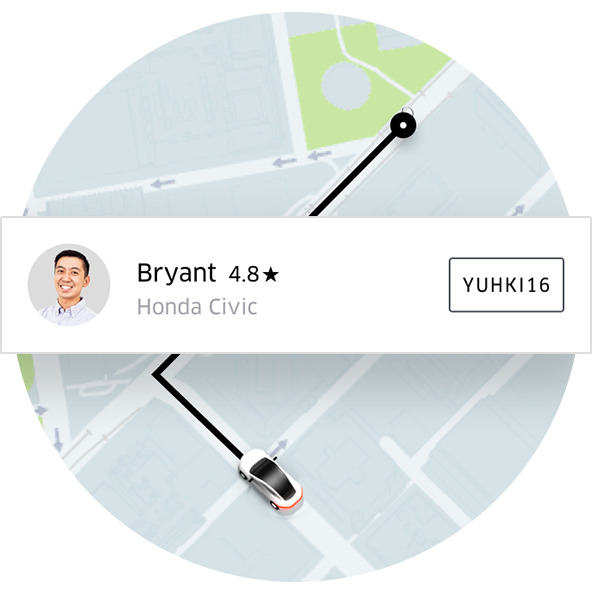
2. Greet your driver
Match your driver with the photo and car details displayed on your app. If everything seems okay, confirm your name and get going.
Enjoy the ride
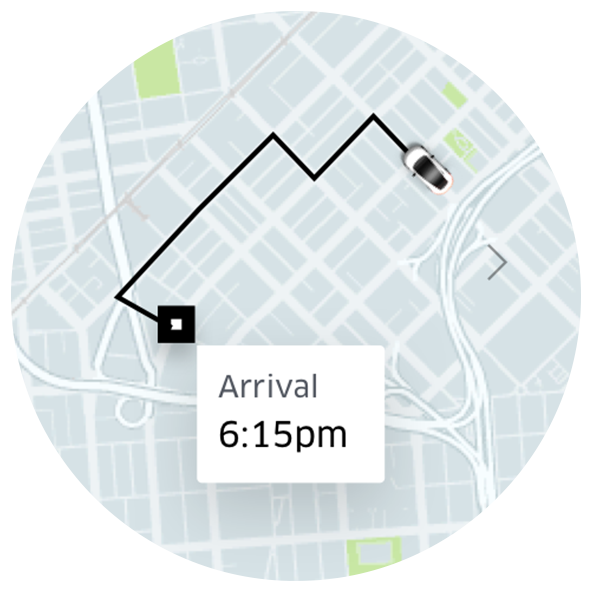
2. Share your status
Let friends and family follow your ride. That way, they can see where you are and know once you’ve arrived.
Uber Editor