Multiple Destinations; stops when you need them
Multiple Destinations lets you add up to two extra stops along your route. It’s never been easier to pick up or drop off friends.
How do you set additional destinations?
Open your app > Tap to open the Uber app on your mobile device.
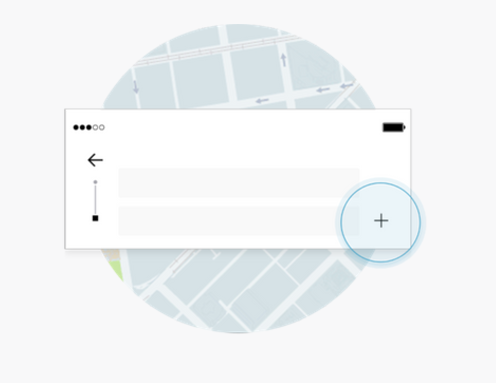
Choose your own adventure > Tap the “+” next to the destination box to add stop(s) at any point before or during your ride.
Change on the go > Add, change, or remove a stop from the on-trip screen—accessible from your app home screen.
Where and when is this available?
Locations
Available in most cities. Check your Uber app for details.
Time
Available 24/7 in participating cities.
What’s the cost?
Adjust as you go
Your fares adjust as you add or remove stops, based on time and distance rates disclosed in the app. Note: Other applicable taxes, tolls, surcharges and adjustments may apply.
Split Fare
Your app includes a Split Fare feature that allows you to divide your fare equally among you and your friends. Note: You can split your fare by the entire ride but not by the cost to each stop. Additional fees may apply.
Nuzreth